Avatars
App
Everyone in a job appears to the others as an avatar, with their name above it.
How people appear
- iPad and iPhone users appear as a tablet or phone, showing their live camera. It turns as they turn between portrait and landscape.
- Meta Quest and HTC VIVE Focus Vision users appear as a full-body avatar. Its hands and fingers follow the user's real hands.
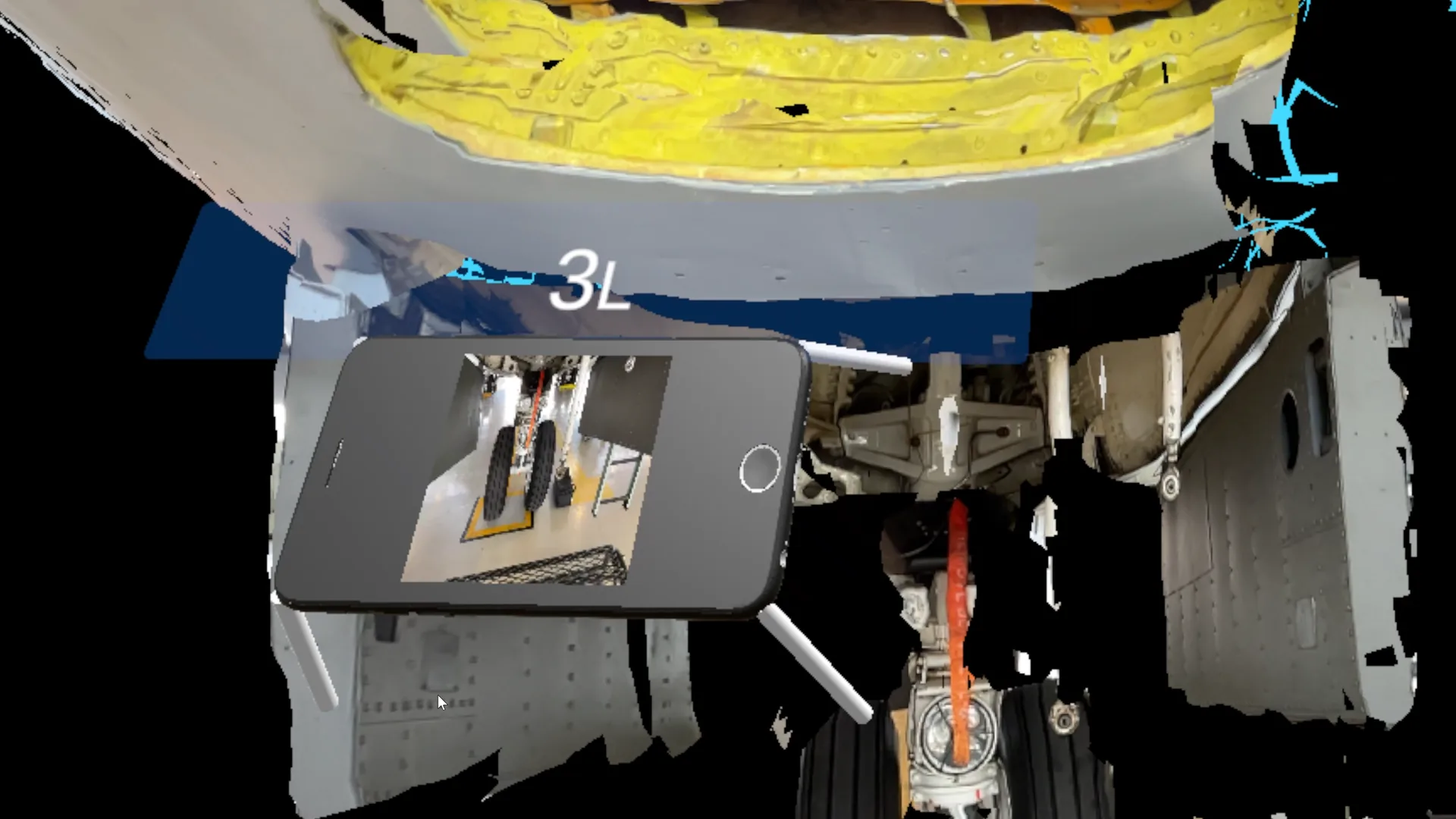

The name above an avatar is the user's Display Name, or their username if they have none. Users set their display name in the Web Console's Profile.
Choosing an avatar
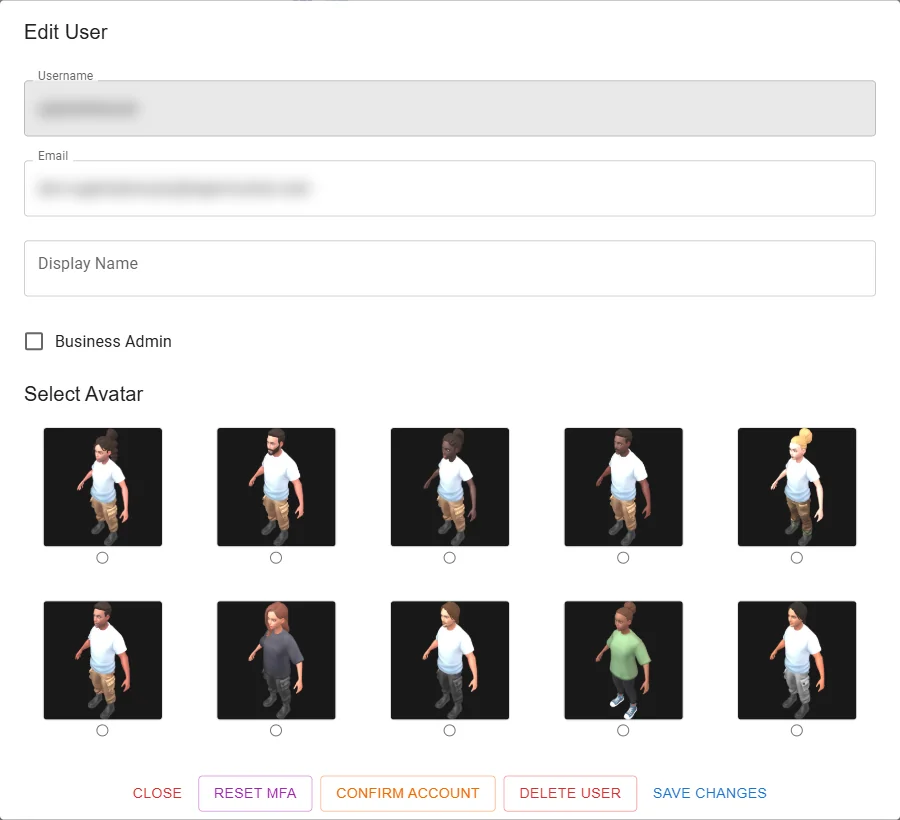
A Business Admin chooses each user's avatar from 10 preset avatars, in the Web Console: Users → edit the user → Select Avatar (see Users). Avatars cannot be changed in the app.
Sharing your camera
Everyone's camera view is shared when they enter a job, so others can watch it (see Casting a Live Video Feed).