Requirements
Devices
| Device | What you need |
|---|---|
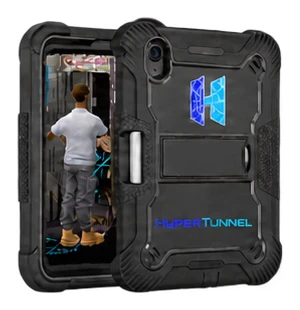 iPad, iPhone | iPadOS or iOS 15 or later. Scan needs a LiDAR scanner: iPad Pro (2020 or later) or iPhone 12 Pro or later Pro models |
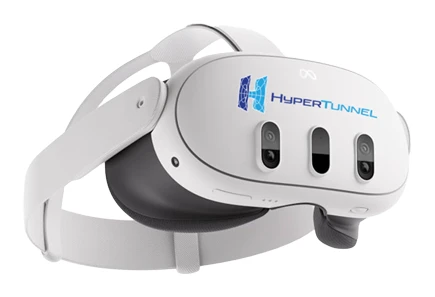 Meta Quest | Meta Quest 3 or Meta Quest 3S, used with hand tracking. Controllers are not supported |
 HTC VIVE Focus Vision | Used with hand tracking, as on Meta Quest (see HTC VIVE Focus Vision) |
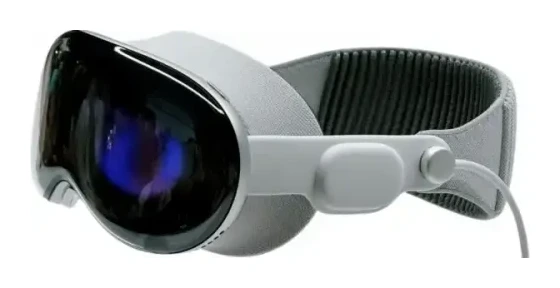 Apple Vision Pro | visionOS 1.0 or later (see Apple Vision Pro) |
 Samsung Galaxy XR | Used with hand tracking (see Samsung Galaxy XR) |
 XREAL Aura | Coming soon |
Keep each device's software up to date.
The Web Console
The Web Console runs in a web browser: use a current version of Chrome, Edge, Safari or Firefox. To register a mesh together with its folder of files, use a computer. You also use the Web Console on an iPhone, iPad or Quest to enter a job from the web.
Your account
- A HyperTunnel account, created by your Business Admin. You are emailed a username and a temporary password (see Signing In).
- An authenticator app on your phone, for the 6-digit code you enter each time you sign in online.
- On some businesses' accounts, a device must be approved before you can sign in on it (see Device Access Requests).
Network
- An internet connection, to sign in, enter jobs, talk and share video.
- Offline Mode lets you work in a job you checked out, without a connection. It needs one earlier online sign-in on that device.
- To check a connection, use Diagnose in Lobby Settings. It rates a connection Good from 30 Mbps down, 10 Mbps up and under 80 ms, and usable from 12 Mbps down, 4 Mbps up and up to 150 ms.
For IT teams
HyperTunnel needs these outbound connections. HyperTunnel support can give your IT team your business's server addresses.
| What | Used by | Protocol and port | Addresses |
|---|---|---|---|
| Web Console, sign-in, files and the HyperTunnel service | App and Web Console | HTTPS, TCP 443 | *.hypertunnel.com, *.amazonaws.com, *.cloudfront.net |
| Messaging | App and Web Console | Secure WebSocket, TCP 8000 | Your business's HyperTunnel server |
| Live sync in a job | App | UDP 5055 and 5056 | Your business's HyperTunnel server |
| Voice and video | App | Secure WebSocket on TCP 443, then media on UDP 7882 or TCP 7881 | *.hypertunnel.com |
| Internet check at sign-in | App | HTTP, TCP 80 | www.google.com |
A VPN or proxy that only lets web traffic (port 443) through blocks voice, video and live sync: the app shows code V3 or V8 (see Troubleshooting). Voice and video each use up to about 1 Mbps per person sharing video. Opening a job also downloads its files, which can be large.