The Web Console
Web Console
After you sign in, the home page welcomes you to your business's HyperTunnel portal and links to this guide and to HyperTunnel support.
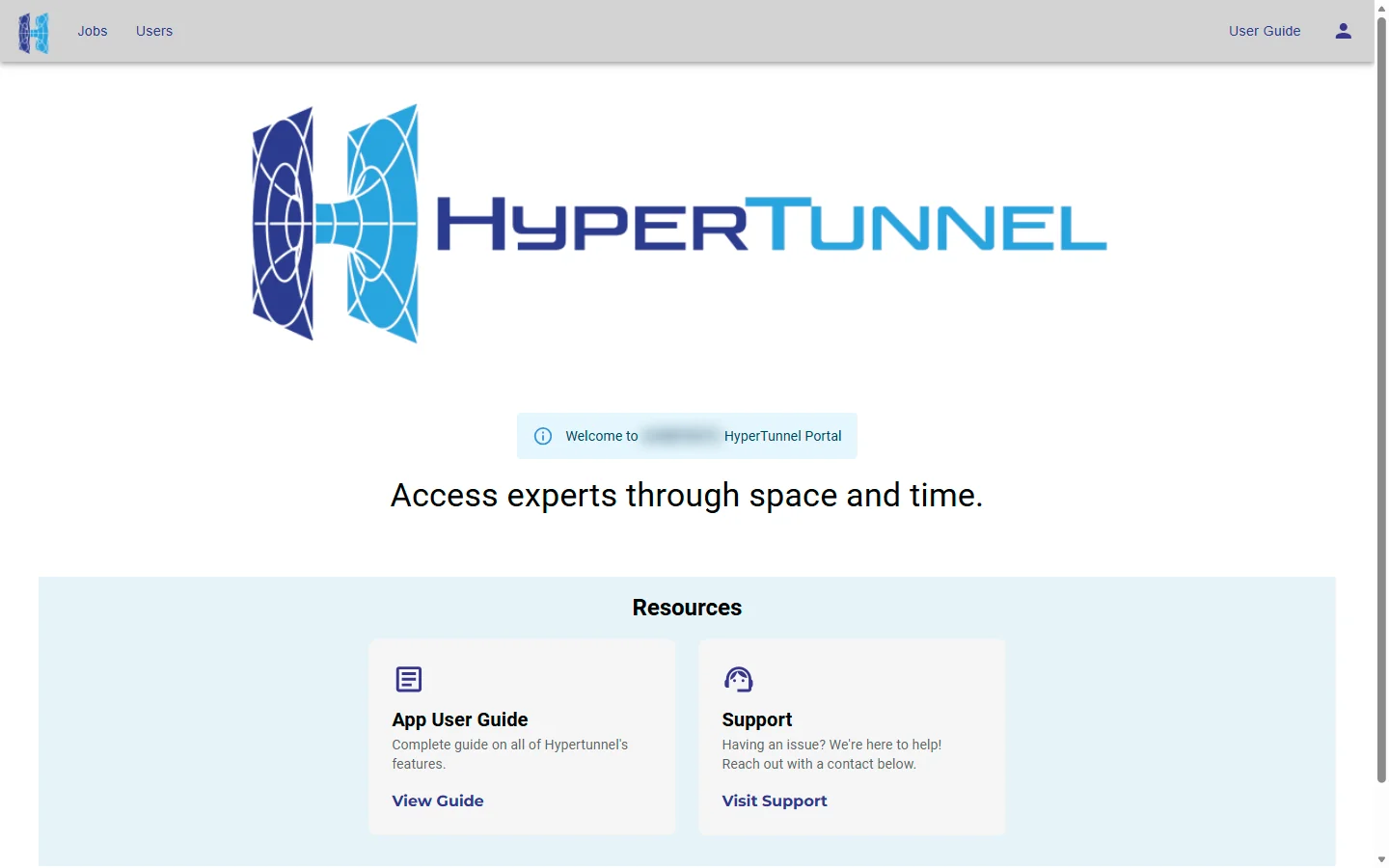
Top bar
| Item | Who sees it | What it does |
|---|---|---|
| HyperTunnel logo | Everyone | Returns to the home page |
| Jobs | Everyone | Opens the Job List |
| Users | Business Admins | Opens Users |
| User Guide | Everyone | Opens this guide in a new tab |
| Person icon | Everyone | Opens the person menu |
Person menu
The person menu shows your username, then:

- Profile: your account details and display name (see Profile).
- Business Settings: the business's limits, devices and mesh scan settings (Business Admins; see Business Settings).
- Device Access: requests to sign in from new devices (Business Admins; see Device Access Requests).
- Sign out (everyone).
Roles
There are two kinds of user:
- Users work with jobs: create, import, duplicate, rename, export and delete them, and manage their assets. They can also change their own display name in Profile.
- Business Admins can do all of that, and also manage users, business settings and device access. Pages for Business Admins are marked Business Admin in this guide.